
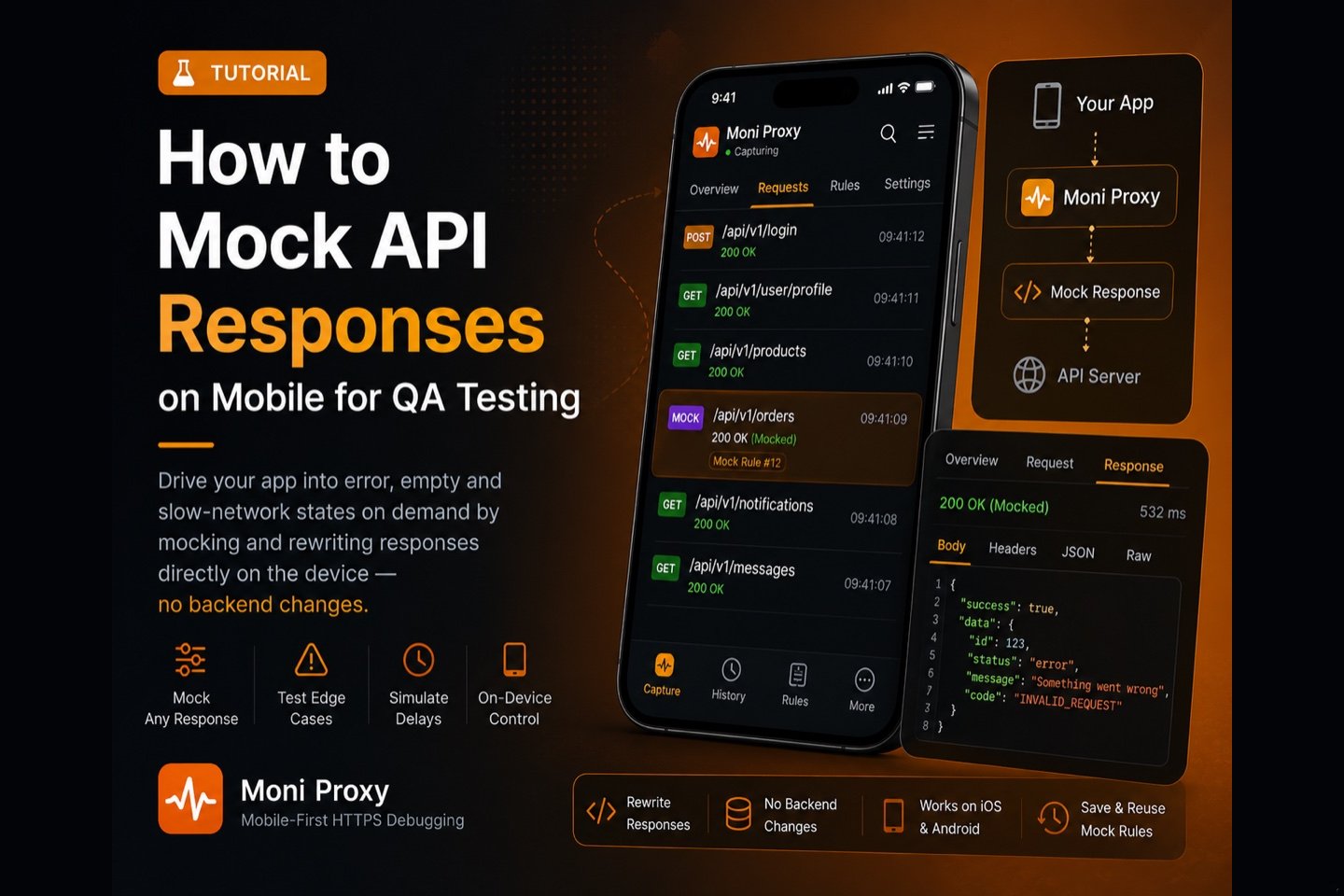
Some of the hardest things to test in a mobile app are the states that depend on the backend: a 500 error, an empty list, a slow response, or a malformed payload. Waiting for the backend to produce those conditions is slow and unreliable. A faster approach is to mock and rewrite API responses on the device itself, so you control exactly what the app receives. This guide shows how QA engineers can do that without touching the backend or setting up a desktop proxy.
Most QA test plans have a long tail of "what if the server returns X?" cases that are painful to trigger on demand. You can ask a backend engineer to force a 500, wait for a rare race condition, or hunt for a user whose data happens to be empty — or you can take control of the response yourself. Controlling the response on the device makes these scenarios deterministic and repeatable, which is exactly what good QA needs.
Why Mock Responses for QA?
Mocking lets you drive the app into states that are otherwise difficult to reproduce, on demand and repeatably:
- Error handling: return a 400, 401, 429, or 500 to verify the UI shows the right message and recovers.
- Empty and edge states: return an empty array or null fields to test empty-state screens.
- Boundary data: inject very long strings, large lists, or unusual characters to test layout and parsing.
- Slow networks: delay a response to confirm loading indicators and timeouts behave.
- Feature flags: flip a value in the response to preview a gated feature.
Mock on Device vs Mock Server
You can stand up a mock server or use backend test environments, but that adds infrastructure and coordination. Rewriting responses on the device is lighter weight for QA: you intercept the real request and substitute or modify the response locally, so you test the real app against controlled data with no environment changes. Moni Proxy does this on-device, with no computer in the loop.
Step-by-Step
1. Capture the real traffic first
Install Moni Proxy, finish the one-time certificate setup, start a capture session, and use the app so the request you want to mock appears in the traffic list. Capturing it first gives you the exact URL and response shape to base your mock on.
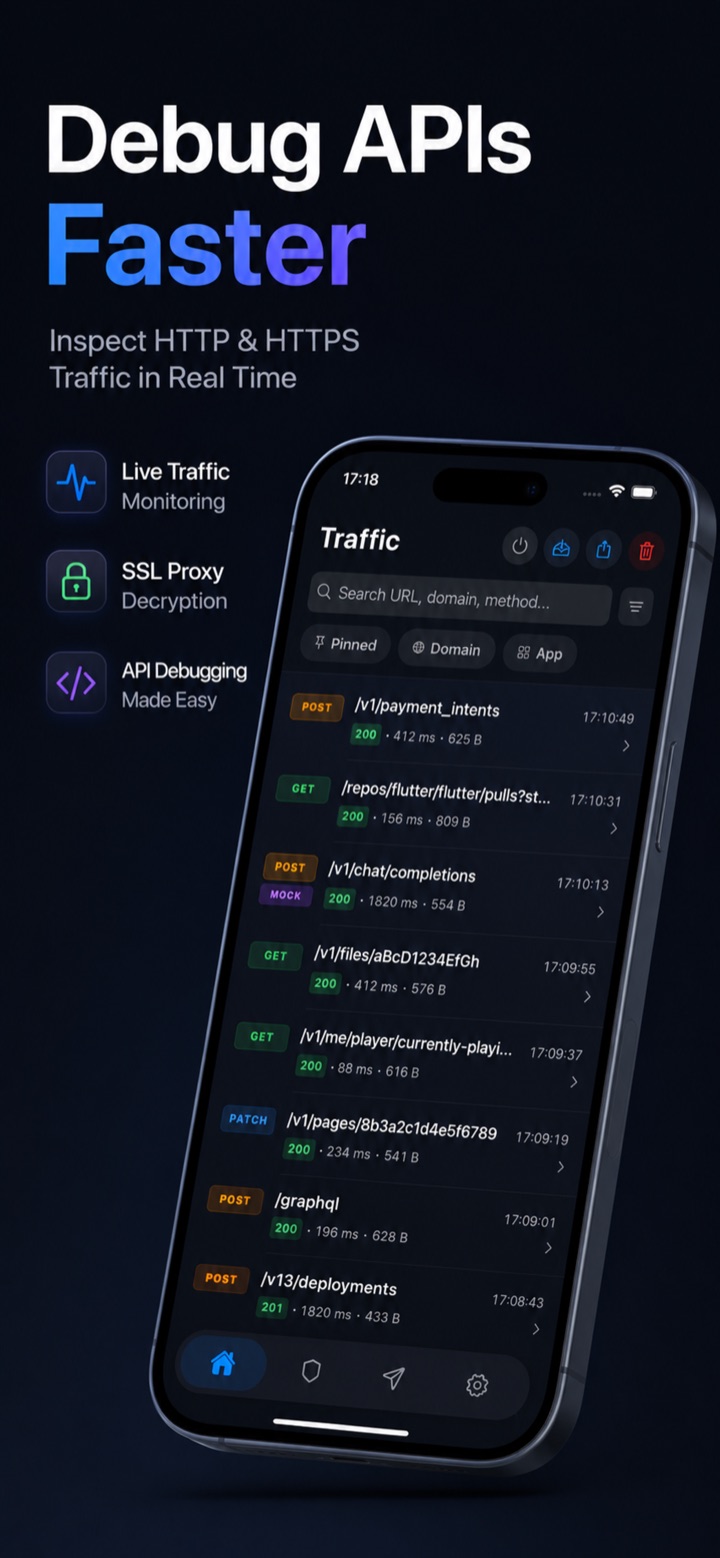
2. Create a mock or rewrite rule
From the captured request, create a rule that matches its URL and define the response you want the app to receive — a custom status code, headers, and JSON body. You can replace the whole response (mock) or change specific fields (rewrite).
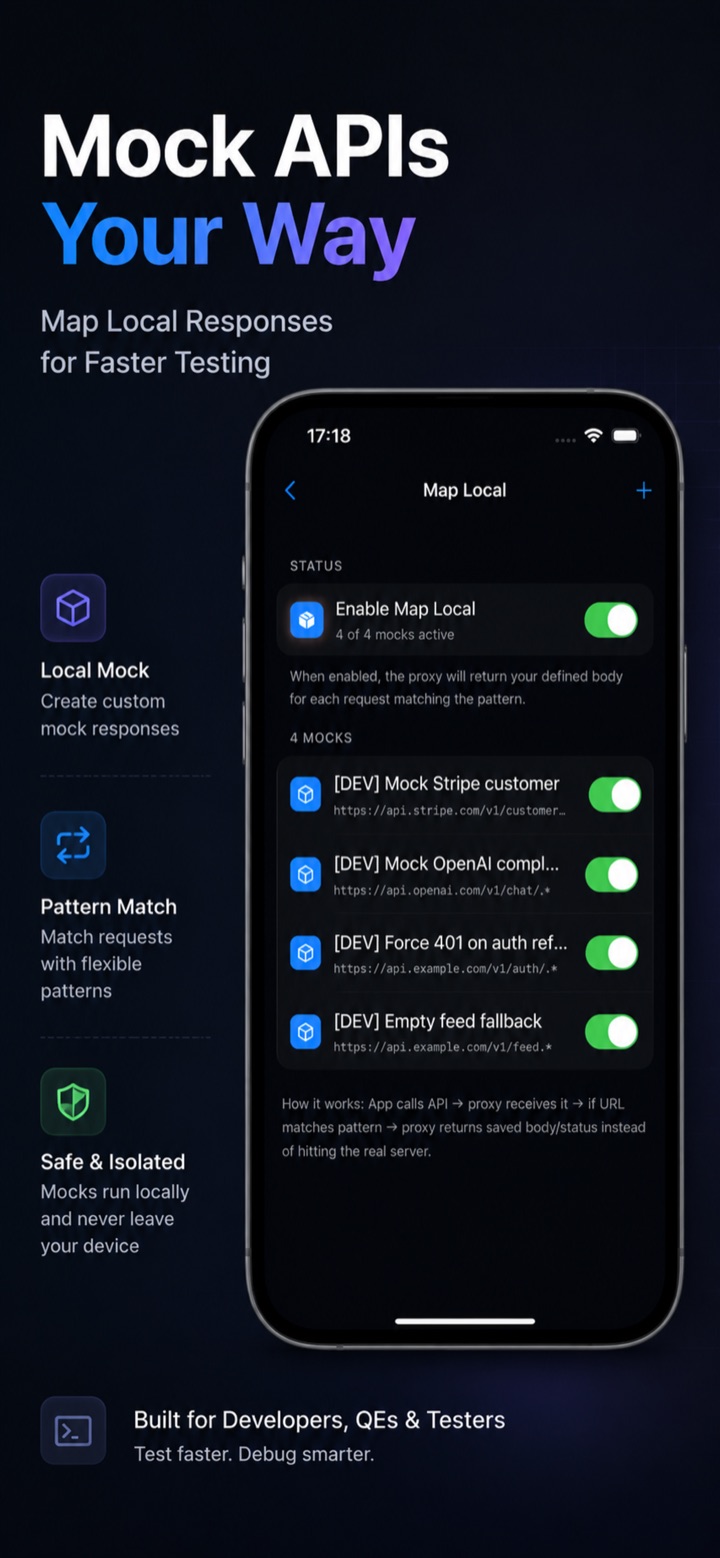
3. Re-run the scenario
With the rule active, trigger the request again in the app. Instead of the live backend response, the app receives your mocked data, letting you observe exactly how it behaves.
4. Rewrite requests when needed
You can also rewrite the outgoing request — add or change headers, edit query parameters, or modify the body — to test how the backend responds to different inputs, or to replay a captured request with edits.
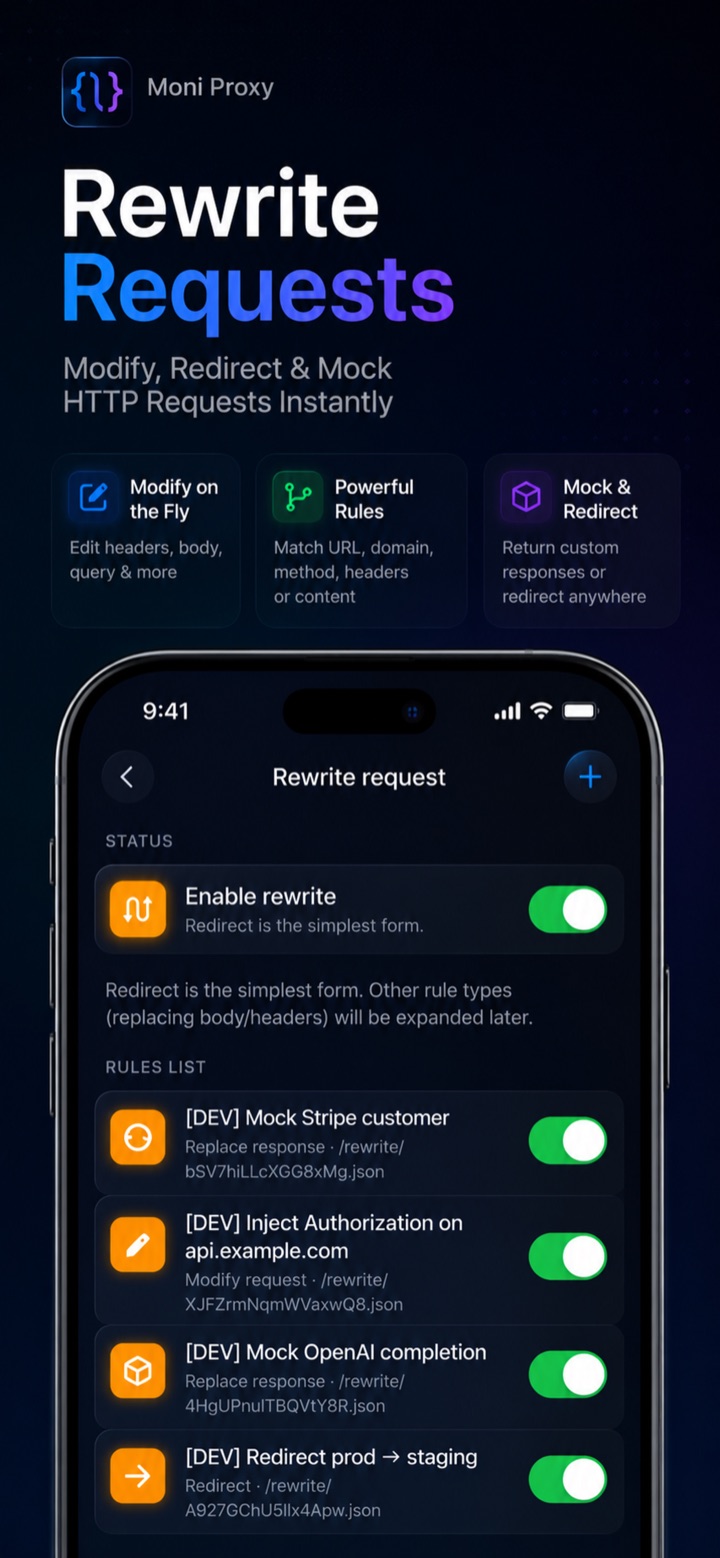
Building a Repeatable QA Mocking Workflow
Ad-hoc mocking is useful, but the real payoff comes from turning common scenarios into a reusable set of rules your whole team can run. A simple workflow looks like this:
- Identify the critical endpoints — the handful of API calls behind your most important screens (login, feed, checkout).
- Capture a real response for each so you have an accurate baseline to modify.
- Create a small set of named mocks per endpoint: success, error (4xx/5xx), empty, and slow. These four cover most UI states.
- Run the set against every build as part of manual regression, toggling each mock to confirm the UI still handles it correctly.
- Attach the exact rule to bug reports so developers reproduce the state instantly instead of guessing.
Because the rules live on the device and target real endpoints, they keep working as the app evolves — you only revisit them when the API contract itself changes.
Mocking vs Rewriting: When to Use Which
It is worth being clear on the distinction. Mocking replaces the entire response with data you define — ideal when the backend cannot easily produce the state you want, or when you want a fully deterministic result. Rewriting modifies a real response or request in flight — ideal when you want mostly real data but need to flip one field, inject a value, or tweak a header. In practice QA teams use both: mocks for clean, repeatable scenarios, and rewrites for quick what-if probing against live data.
Tips for Reliable Mock Testing
- Be specific with URL matching so your rule only affects the endpoint you intend.
- Keep a small library of mocks for common states (error, empty, slow) so you can re-run them across builds.
- Watch for certificate pinning: apps that pin certificates will not be interceptable unless pinning is disabled in the build under test.
- Document the scenario alongside the bug report so developers can reproduce it.
Conclusion
Mocking and rewriting responses on the device turns hard-to-reproduce backend states into a one-tap action, which makes QA faster and more thorough. Because it happens on-device, there is no mock server to maintain and no desktop proxy to configure — just capture, mock, and test.
Frequently Asked Questions
How do I mock an API response on a mobile device?
Capture the real request with Moni Proxy, then create a rule that matches its URL and supplies a custom status, headers, and body. When the app makes the request again, it receives your mocked response instead of the live one — no backend changes or desktop proxy needed.
Can I simulate error states like 500 or empty data?
Yes. You can return any status code (400, 401, 429, 500), empty arrays, null fields, or boundary data, and delay responses to test loading and timeout behavior.